ConfUSIus
ConfUSIus
Python package for analysis and visualization of functional ultrasound imaging data.


Beta Status
ConfUSIus is in beta and under active development. Core functionality is in place, but APIs may still evolve. Join our weekly drop-in hours on Discord or open an issue on GitHub for questions and feature requests.
Features
ConfUSIus provides the fundamental building blocks for fUSI data analysis: not a fixed pipeline, but composable tools you can assemble into any workflow the literature describes or you invent.
-
Load and save AUTC, EchoFrame, Iconeus, NIfTI, and Zarr formats with automatic fUSI-BIDS sidecar support.
-
Process raw IQ signals into power Doppler, velocity, and other derived metrics.
-
Compute DVARS, tSNR, and CV to assess data quality across sessions and subjects.
-
Motion correction and spatial alignment, including support for multi-pose imaging.
-
Map fUSI data to standard brain atlases for region-of-interest and group analysis.
-
Denoising, filtering, detrending, and confound regression for hemodynamic signals.
-
Seed-based and matrix-based connectivity measures for resting-state fUSI.
-
Task-based fUSI analysis with HRF convolution and contrast estimation.
-
Multiple-comparison correction and thresholding helpers for p-value maps and z-maps.
-
Interactive data loading, live signal inspection, and QC — no scripting required.
Quick Start
import confusius as cf
from confusius.datasets import fetch_nunez_elizalde_2022

# Download dataset (cached after the first run, ~30 MB).
bids_root = fetch_nunez_elizalde_2022(
    subjects="CR022", sessions="20201011",
    tasks="spontaneous", acqs="slice03",
)

# Load power Doppler time series.
data = cf.load(
    bids_root
    / "sub-CR022/ses-20201011/fusi"
    / "sub-CR022_ses-20201011_task-spontaneous"
      "_acq-slice03_pwd.nii.gz"
)

# Average over time and convert to dB scale.
mean_db = data.mean("time").fusi.scale.db()

# Plot all z-slices.
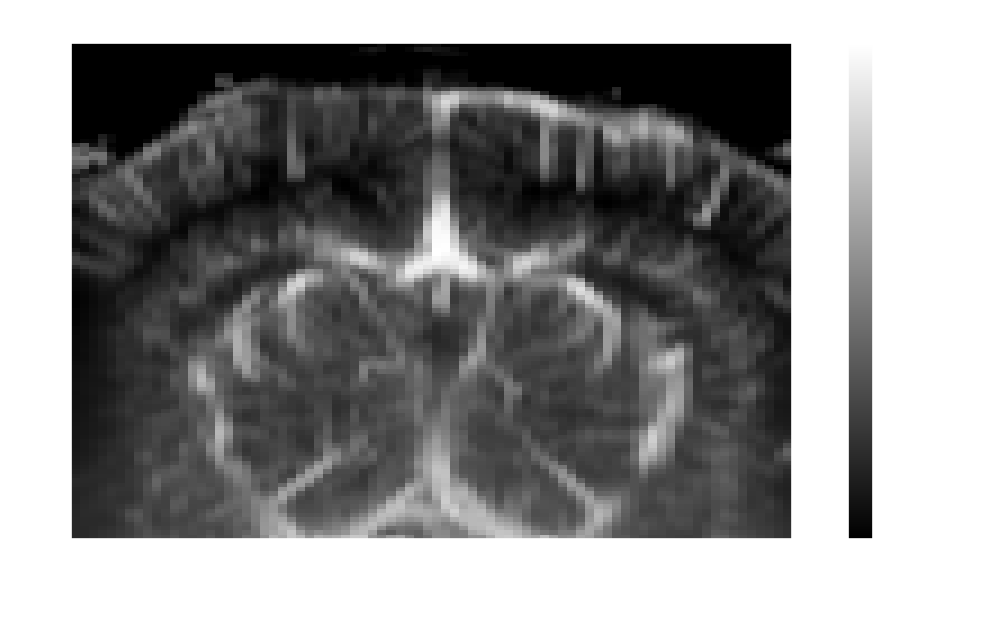
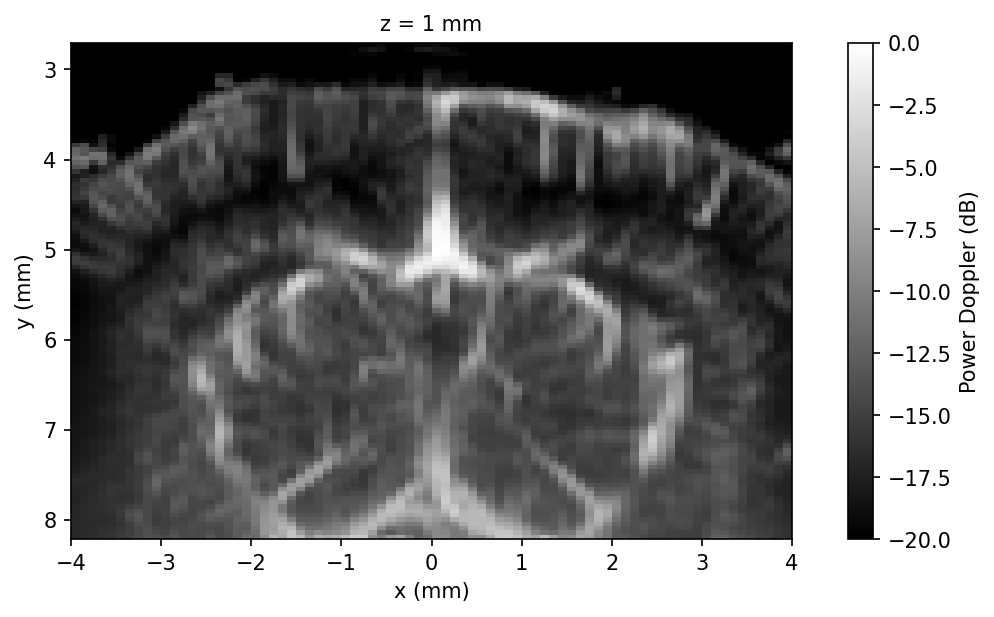
mean_db.fusi.plot.volume(
    cmap="gray", cbar_label="Power Doppler (dB)"
)